Date: 28.09.2025
NVIDIA Tesla P100 GPU
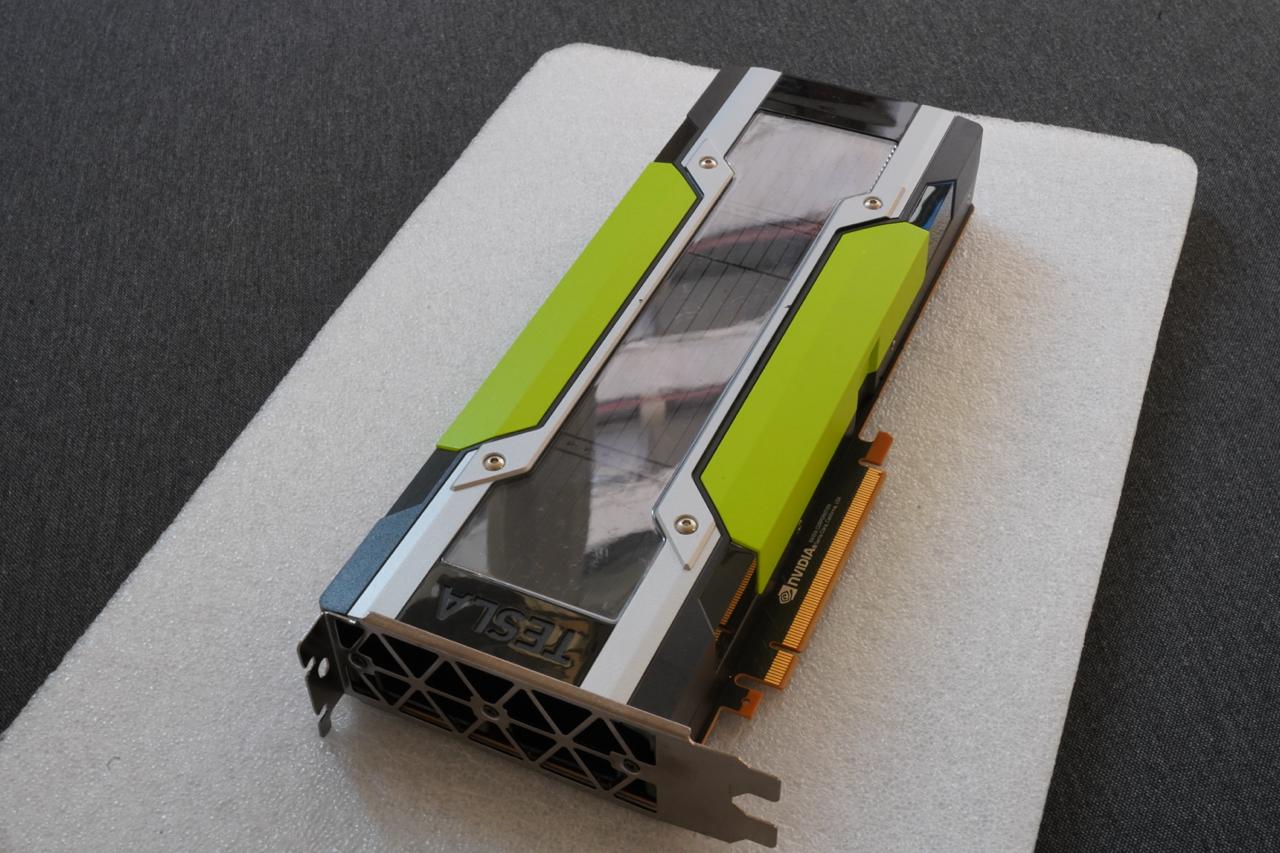
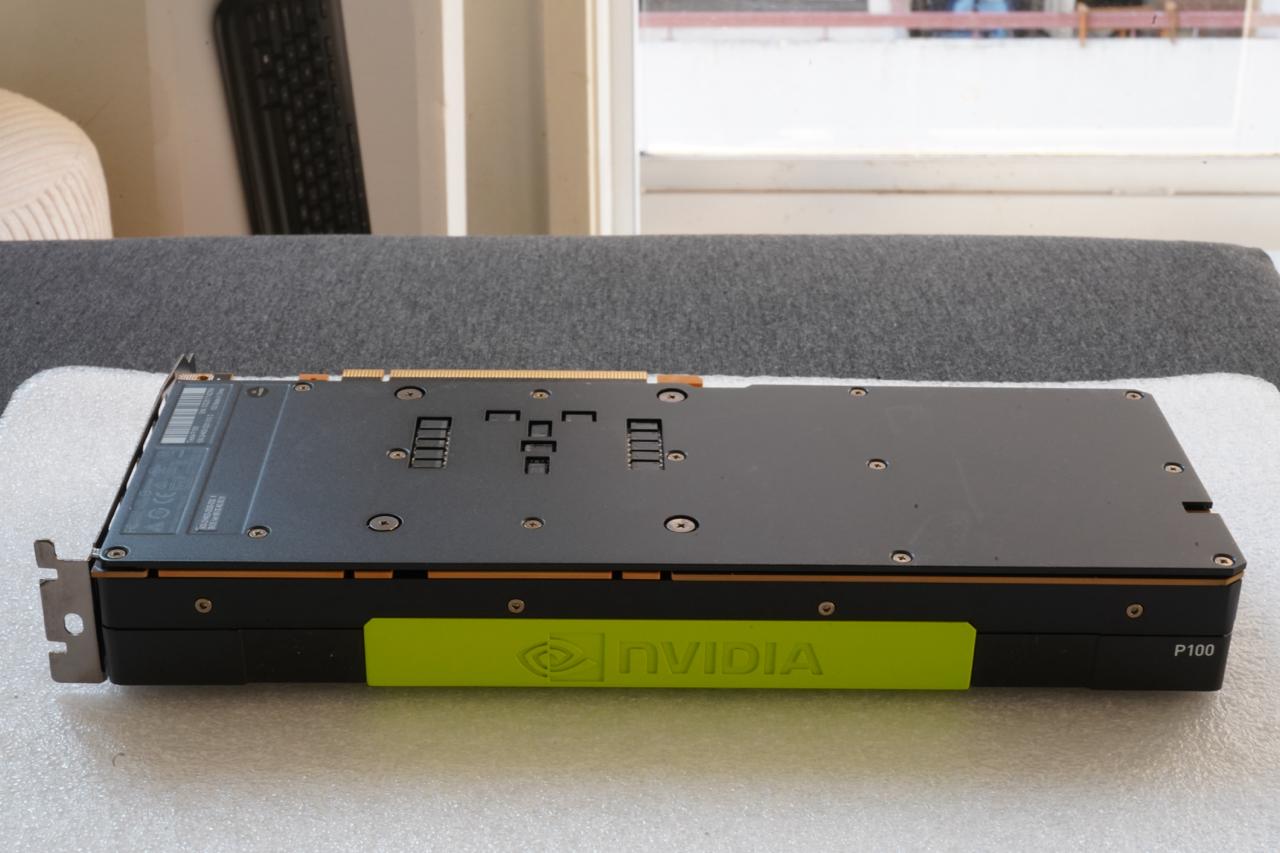
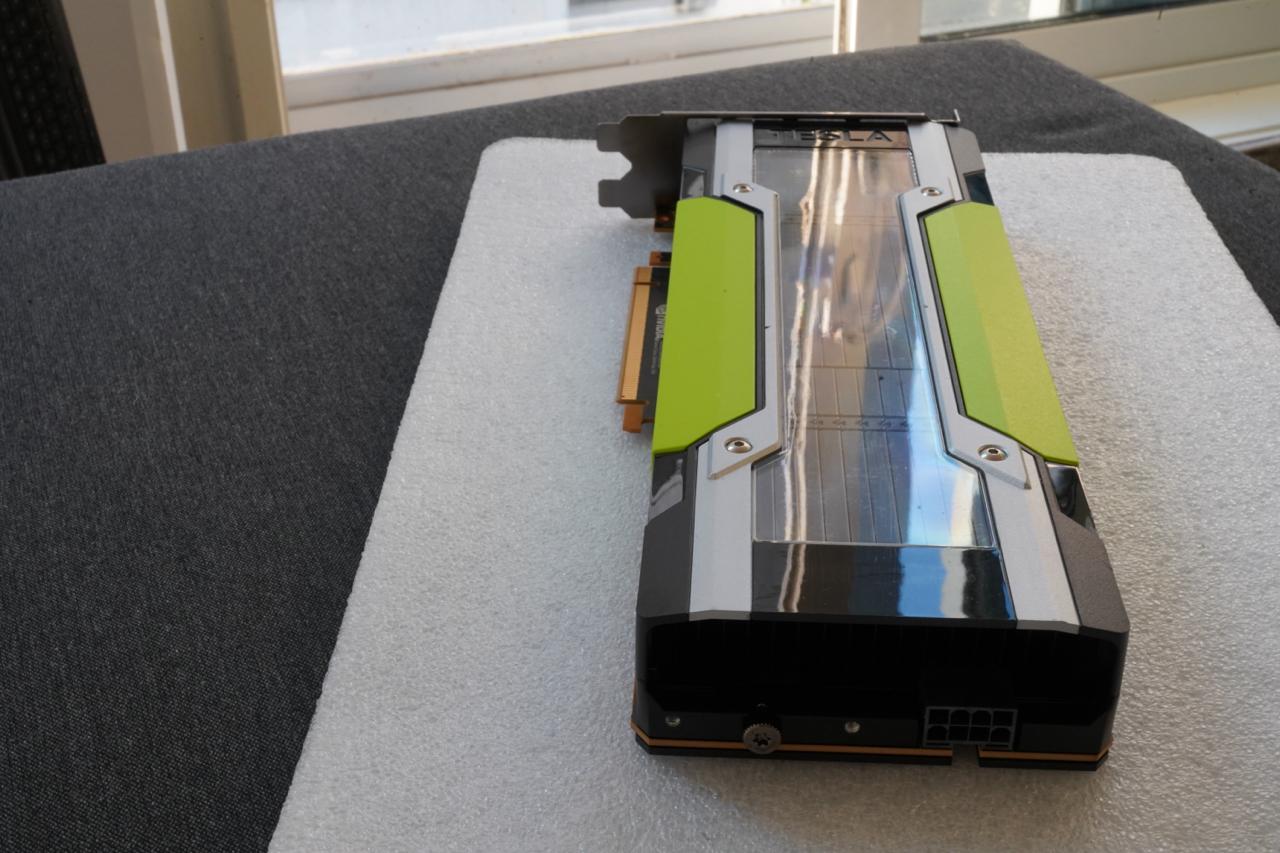
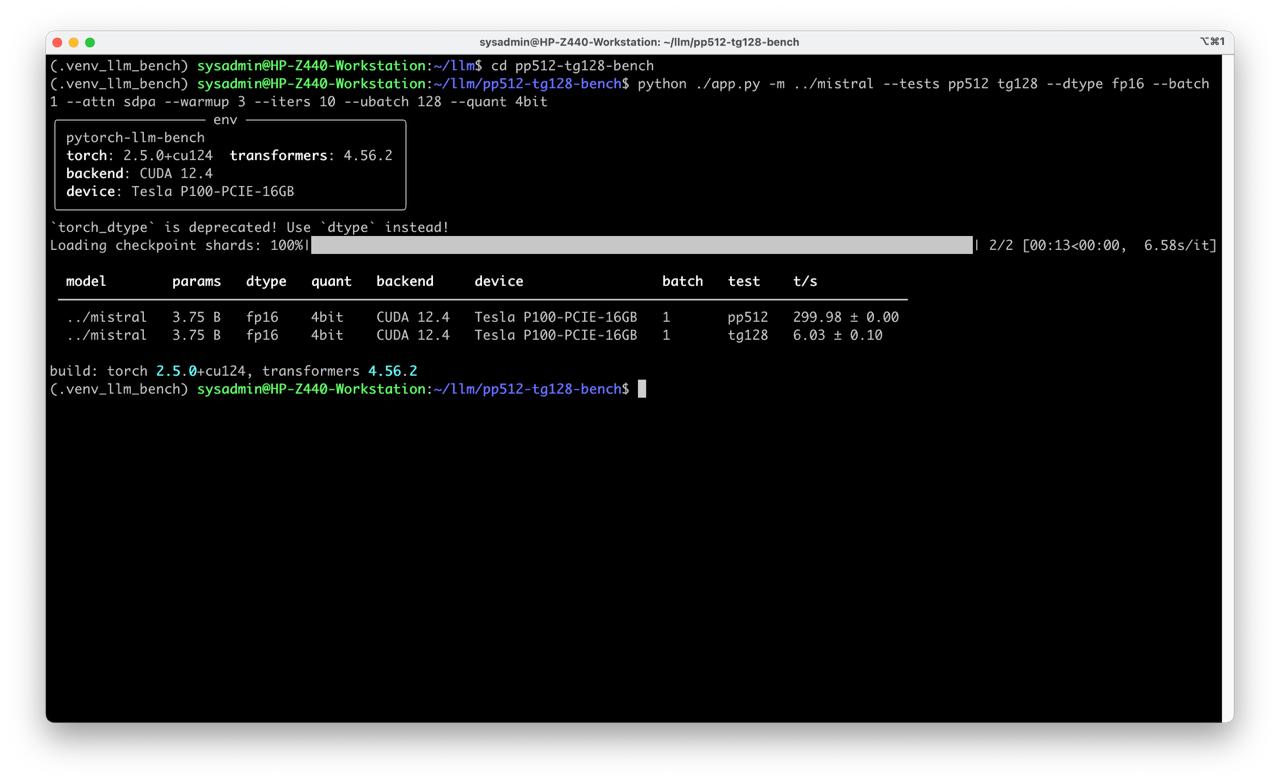
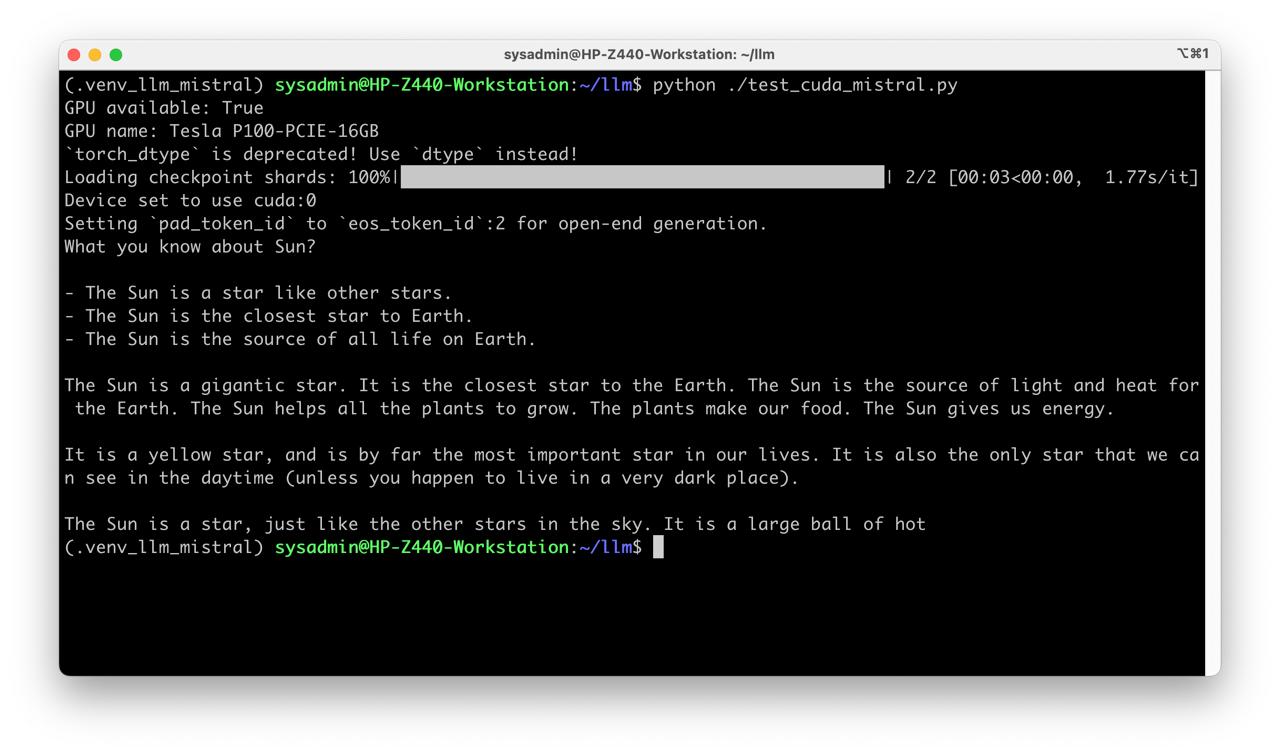
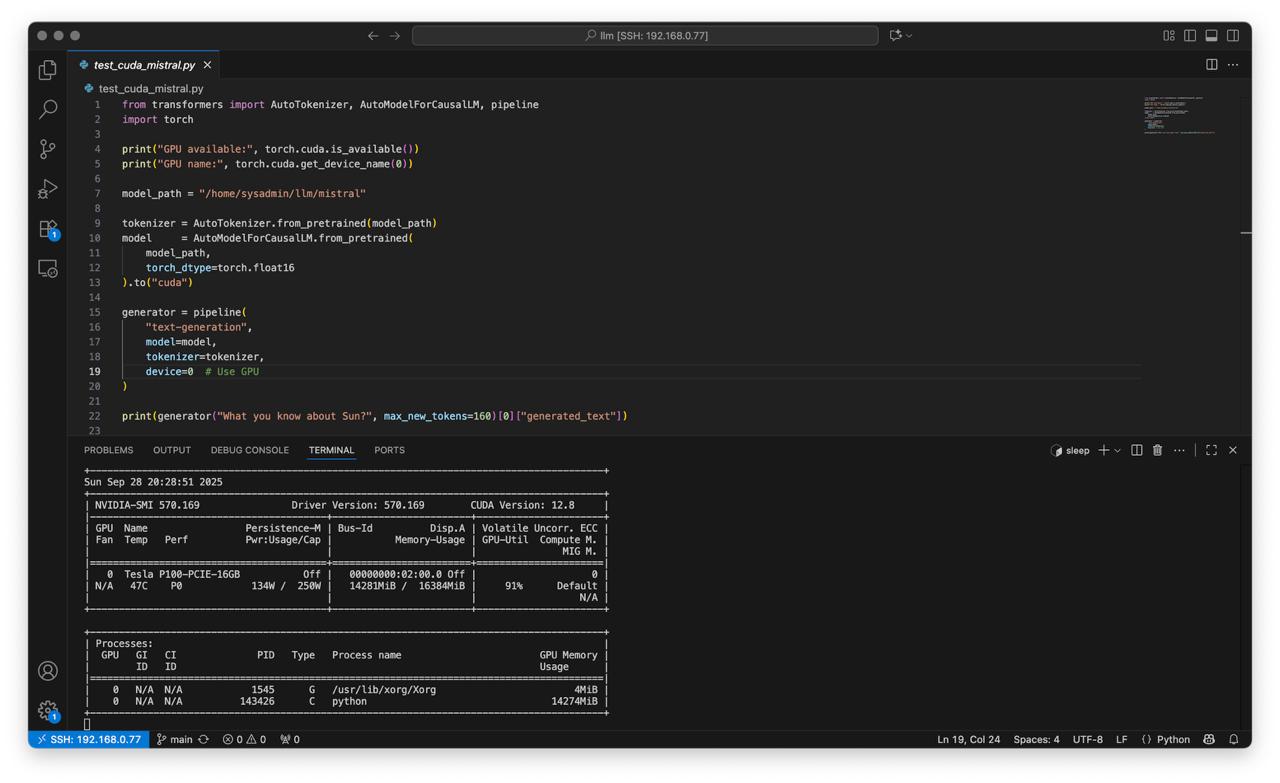
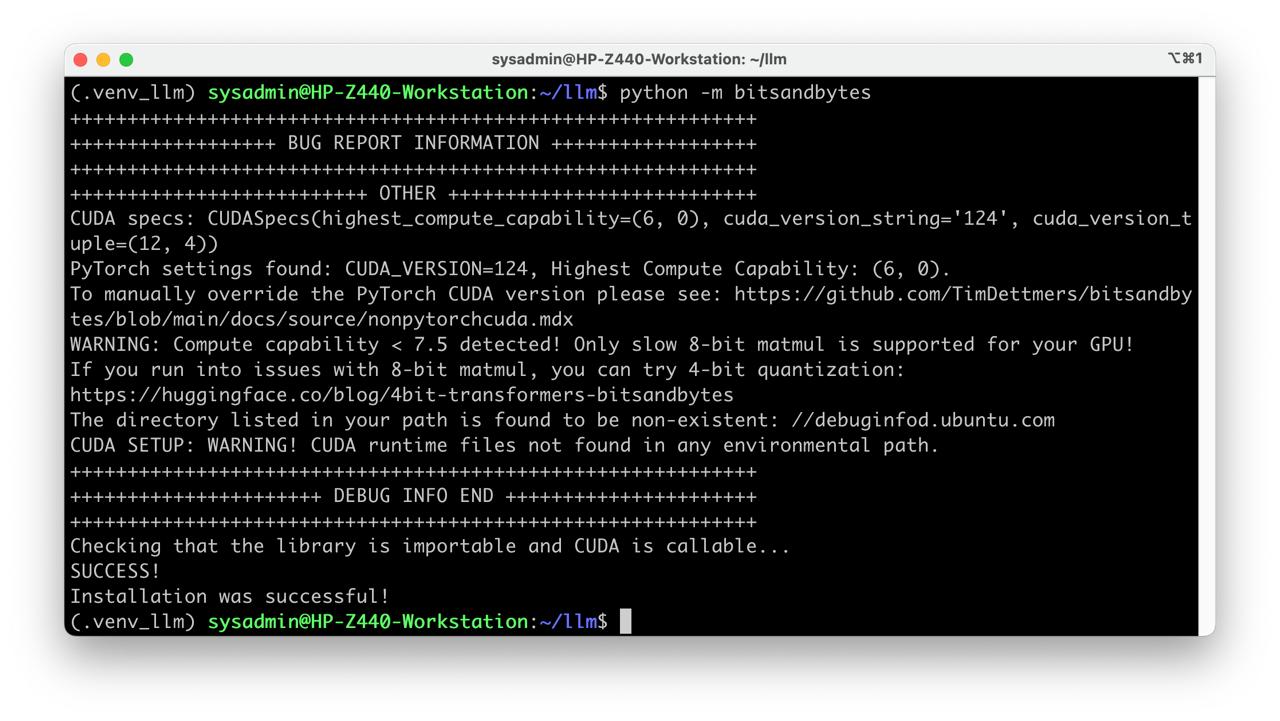
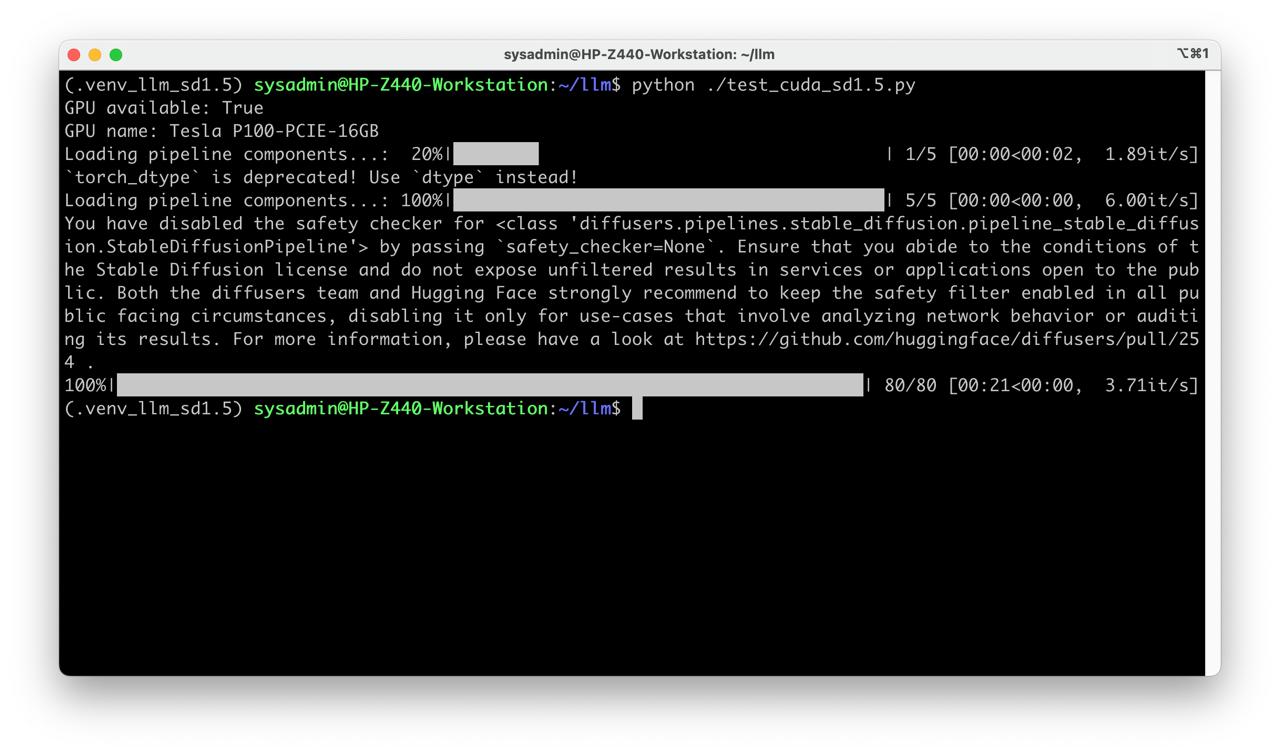
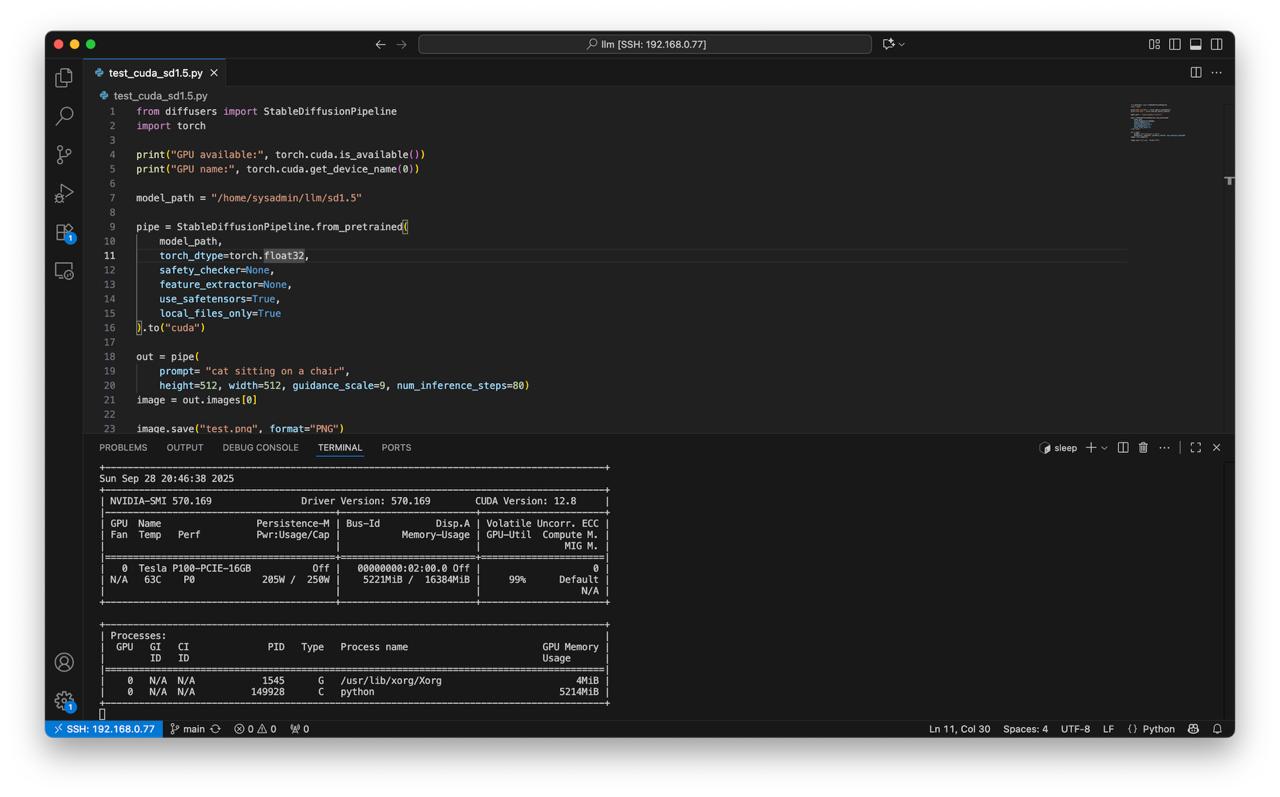
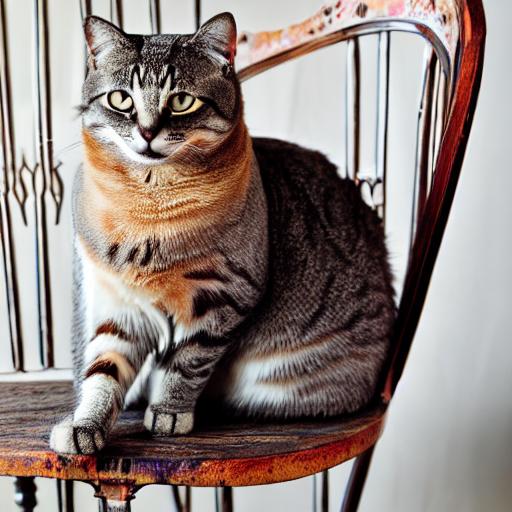
Table of Contents
Overview
Limitations
- Linux only; there is no driver for Windows
- This GPU is considered outdated; future versions of NVIDIA drivers may drop support for it
- Required external fan
- BitsAndBytes 8-bit quantization not supported
Test environment
- Workstation 40 GB RAM, 500GB SSD, 750W Power supply
- Ubuntu 24.04 LTS HWE Kernel
- Install python 3.12
My test environment: HP Z440 + NVIDIA Tesla P100
Instructions
Ubuntu preparation
sudo apt-get install --install-recommends linux-generic-hwe-24.04
hwe-support-status --verbose
sudo apt dist-upgrade
sudo reboot
Driver setup
- Install drivers nvidia-driver-570
sudo apt install nvidia-driver-570 clinfo
sudo reboot
- Check installation
nvidia-smi
clinfo
Check CUDA in Python
- Preparing PyTorch
mkdir -p ~/llm && cd ~/llm
python3 -m venv .venv_llm
source ./.venv_llm/bin/activate
python -m pip install --upgrade pip
pip install "torch==2.5.0" "torchvision==0.20.0" "torchaudio==2.5.0" --index-url https://download.pytorch.org/whl/cu124
pip install "bitsandbytes==0.44.1"
python3 -c "import torch; print(torch.__version__); print(torch.cuda.is_available());print(torch.cuda.get_device_name(0));"
- Expected response
2.5.0+cu124
True
Tesla P100-PCIE-16GB
- Check BitsAndBytes installation
python -m bitsandbytes
Dry-run!
Mistral 7b
- Prepare Python environment for CUDA 12:
mkdir -p ~/llm && cd ~/llm
python3 -m venv .venv_llm_mistral
source ./.venv_llm_mistral/bin/activate
python -m pip install --upgrade pip
pip install "torch==2.5.0" "torchvision==0.20.0" "torchaudio==2.5.0" --index-url https://download.pytorch.org/whl/cu124
pip install transformers accelerate
- Get the Mistral:
git lfs install
git clone https://huggingface.co/mistralai/Mistral-7B-v0.1 mistral
- Create script test_cuda_mistral.py:
from transformers import AutoTokenizer, AutoModelForCausalLM, pipeline
import torch

print("GPU available:", torch.cuda.is_available())
print("GPU name:", torch.cuda.get_device_name(0))

model_path = "/home/sysadmin/llm/mistral"

tokenizer = AutoTokenizer.from_pretrained(model_path)
model     = AutoModelForCausalLM.from_pretrained(
    model_path,
    torch_dtype=torch.float16
).to("cuda")

generator = pipeline(
    "text-generation",
    model=model,
    tokenizer=tokenizer,
    device=0  # Use GPU
)

print(generator("What you know about Sun?", max_new_tokens=160)[0]["generated_text"])
- Run test
python test_cuda_mistral.py
Stable Diffusion v1.5
- Preapre python environment for CUDA:
mkdir -p ~/llm && cd ~/llm
python3 -m venv .venv_llm_sd1.5
source ./.venv_llm_sd1.5/bin/activate
python -m pip install --upgrade pip
pip install "torch==2.5.0" "torchvision==0.20.0" "torchaudio==2.5.0" --index-url https://download.pytorch.org/whl/cu124
pip install transformers accelerate diffusers safetensors
- Get the StableDiffusion 1.5
git lfs install
git clone https://huggingface.co/stable-diffusion-v1-5/stable-diffusion-v1-5 sd1.5
- Create script test_cuda_sd1.5.py:
from diffusers import StableDiffusionPipeline
import torch

print("GPU available:", torch.cuda.is_available())
print("GPU name:", torch.cuda.get_device_name(0))

model_path = "/home/sysadmin/llm/sd1.5"

pipe = StableDiffusionPipeline.from_pretrained(
    model_path,
    torch_dtype=torch.float32,
    safety_checker=None,
    feature_extractor=None,
    use_safetensors=True,
    local_files_only=True
).to("cuda")

out = pipe(
    prompt= "cat sitting on a chair",
    height=512, width=512, guidance_scale=9, num_inference_steps=80)
image = out.images[0]

image.save("test.png", format="PNG")
- Run test
python ./test_cuda_sd1.5.py
Benchmark
Get benchmark source code
git clone https://github.com/llmlaba/pp512-tg128-bench.git
Run benchmark test
- With quantization
cd pp512-tg128-bench
python ./app.py -m ../mistral --tests pp512 tg128 --dtype fp16 --batch 1 --attn sdpa --warmup 3 --iters 10 --ubatch 128 --quant 4bit