Date: 26.12.2025
Compilation FlashAttention for CUDA 12.8
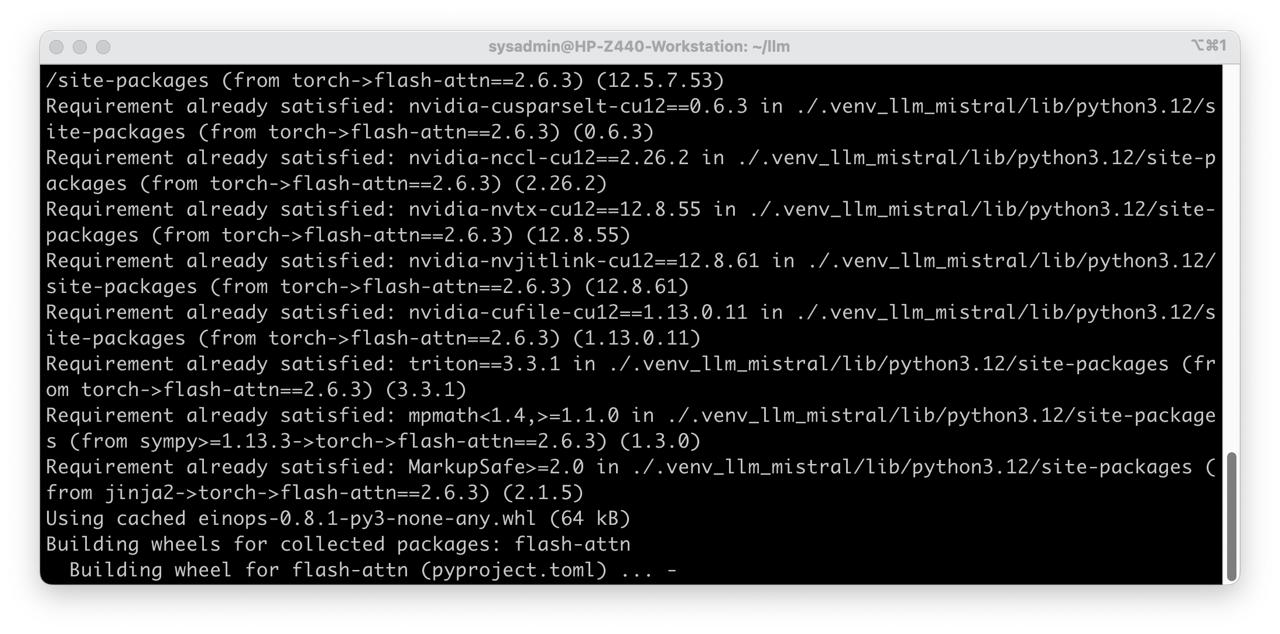
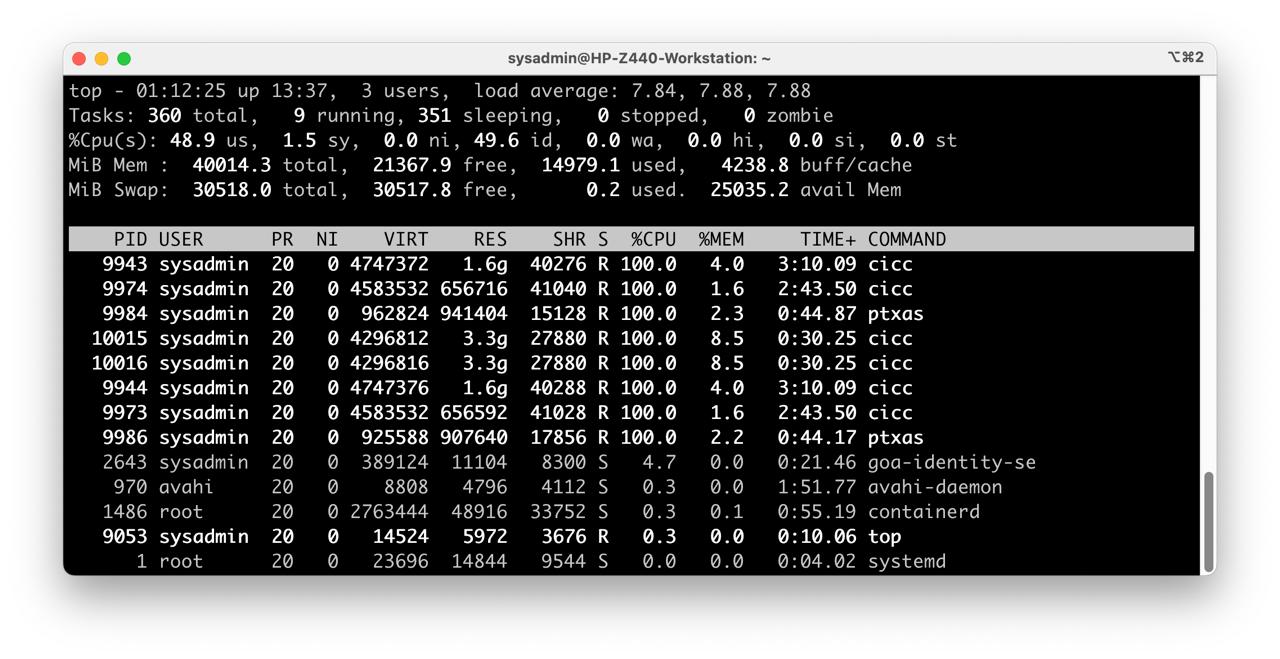
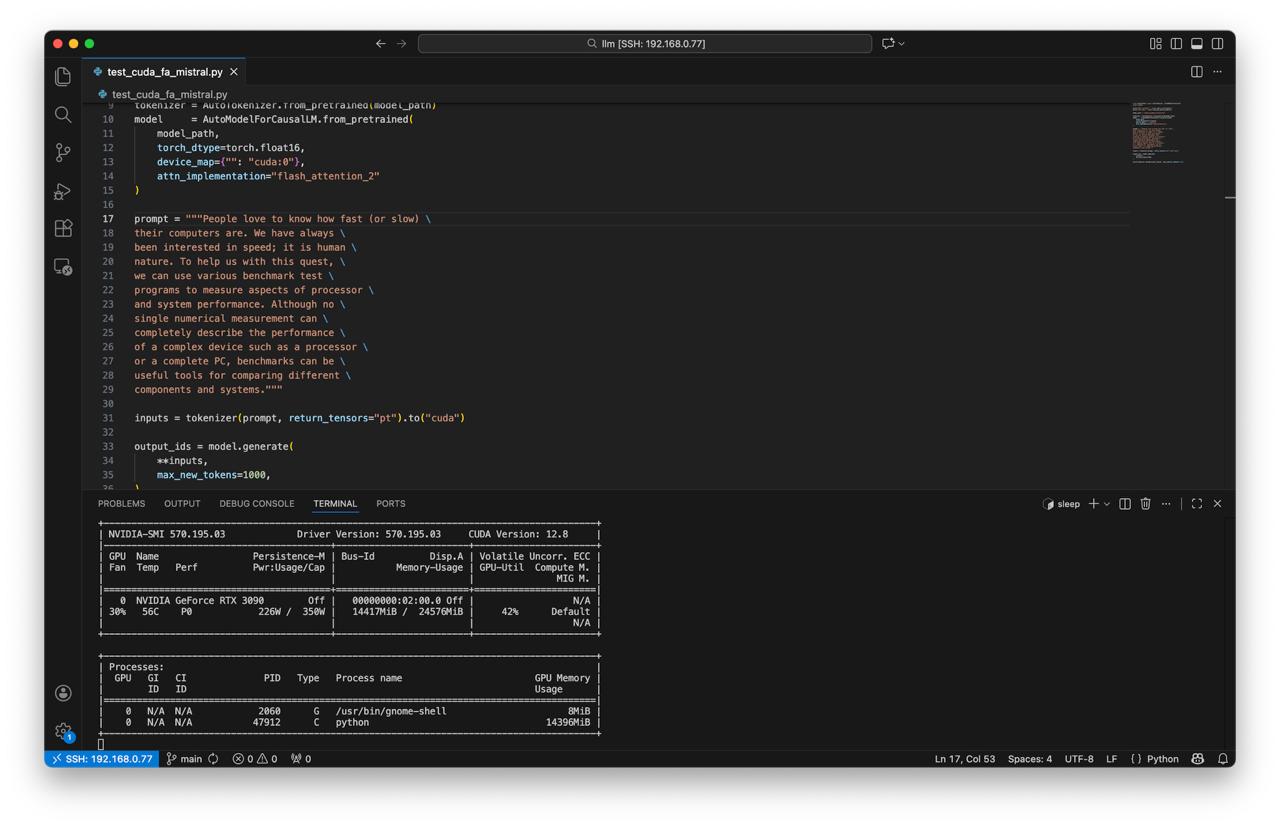
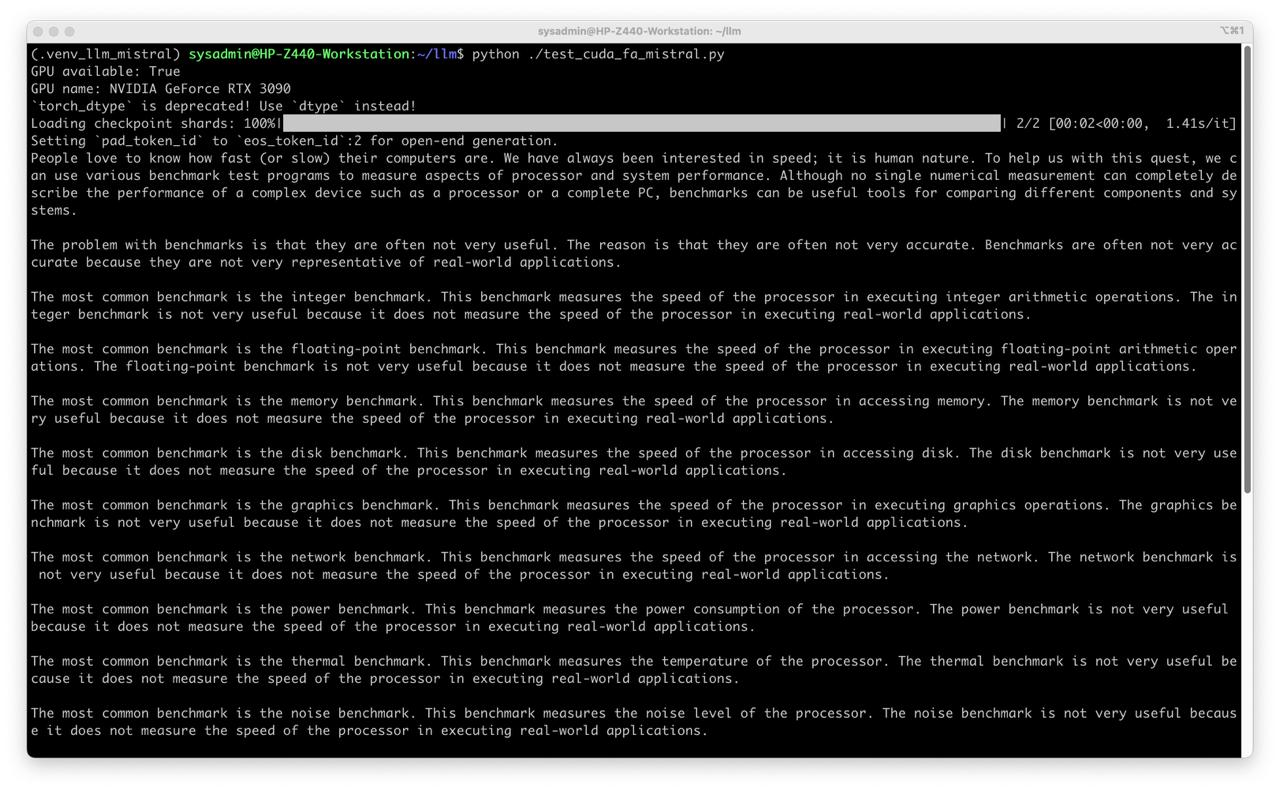
Table of Contents
Overview
Hot links
If not exist check archive.org
Requirements
- Ubuntu 24.04
- PyTorch 2.7.1
- Python 3.12
- NVIDIA driver 570
- CUDA toolkit 12.8.0
- NVIDIA GPU Ampere (24gb vram) or higher
Test environment
- Workstation 40 GB RAM, 500GB SSD, 750W Power supply
- Ubuntu 24.04 LTS HWE Kernel
- Install python 3.12
My test environment: HP Z440 + NVIDIA RTX 3090
Instructions
Ubuntu preparation
sudo apt-get install --install-recommends linux-generic-hwe-24.04
hwe-support-status --verbose
sudo apt dist-upgrade
sudo reboot
Driver setup
- Install drivers nvidia-driver-570
sudo apt install nvidia-driver-570 clinfo
sudo reboot
- Install CUDA
wget https://developer.download.nvidia.com/compute/cuda/12.8.0/local_installers/cuda_12.8.0_570.86.10_linux.run
sudo sh cuda_12.8.0_570.86.10_linux.run --toolkit --samples

echo 'export PATH=/usr/local/cuda-12.8/bin:$PATH' | sudo tee /etc/profile.d/cuda.sh
echo 'export LD_LIBRARY_PATH=/usr/local/cuda-12.8/lib64:$LD_LIBRARY_PATH' | sudo tee -a /etc/profile.d/cuda.sh
echo 'export CUDA_HOME=/usr/local/cuda-12.8' | sudo tee -a /etc/profile.d/cuda.sh
source /etc/profile.d/cuda.sh
- Check installation
nvidia-smi
clinfo
nvcc --version
Install PyTorch
- Prepare Python environment for CUDA:
mkdir -p ~/llm && cd ~/llm
python3 -m venv .venv_llm
source ./.venv_llm/bin/activate
python -m pip install --upgrade pip
pip install "torch==2.7.1" "torchvision==0.22.1" "torchaudio==2.7.1" --index-url https://download.pytorch.org/whl/cu128
pip install transformers accelerate
- Check PyTorch installation
python3 -c "import torch; print(torch.__version__); print(torch.cuda.is_available());print(torch.cuda.get_device_name(0));"
Build FlashAttention
- Install build dependancies
pip install setuptools wheel
pip install packaging ninja
- Compile FlashAttention and install to virtalenv
MAX_JOBS=4 pip install "flash-attn==2.6.3" --no-build-isolation
- Check FlashAttention installation
python3 -c "import flash_attn; print(flash_attn.__version__);"
Dry-run!
Mistral 7b
- Get the Mistral:
git lfs install
git clone https://huggingface.co/mistralai/Mistral-7B-v0.1 mistral
- Create script test_cuda_fa_mistral.py:
from transformers import AutoTokenizer, AutoModelForCausalLM
import torch

print("GPU available:", torch.cuda.is_available())
print("GPU name:", torch.cuda.get_device_name(0))

model_path = "/home/sysadmin/llm/mistral"

tokenizer = AutoTokenizer.from_pretrained(model_path)
model     = AutoModelForCausalLM.from_pretrained(
    model_path,
    torch_dtype=torch.float16,
    device_map={"": "cuda:0"},
    attn_implementation="flash_attention_2"
)

prompt = """People love to know how fast (or slow) \
their computers are. We have always \
been interested in speed; it is human \
nature. To help us with this quest, \
we can use various benchmark test \
programs to measure aspects of processor \
and system performance. Although no \
single numerical measurement can \
completely describe the performance \
of a complex device such as a processor \
or a complete PC, benchmarks can be \
useful tools for comparing different \
components and systems."""

inputs = tokenizer(prompt, return_tensors="pt").to("cuda")

output_ids = model.generate(
    **inputs,
    max_new_tokens=1000,
)

print(tokenizer.decode(output_ids[0], skip_special_tokens=True))
- Run test
python test_cuda_fa_mistral.py
It works!
- Enjoy the result!